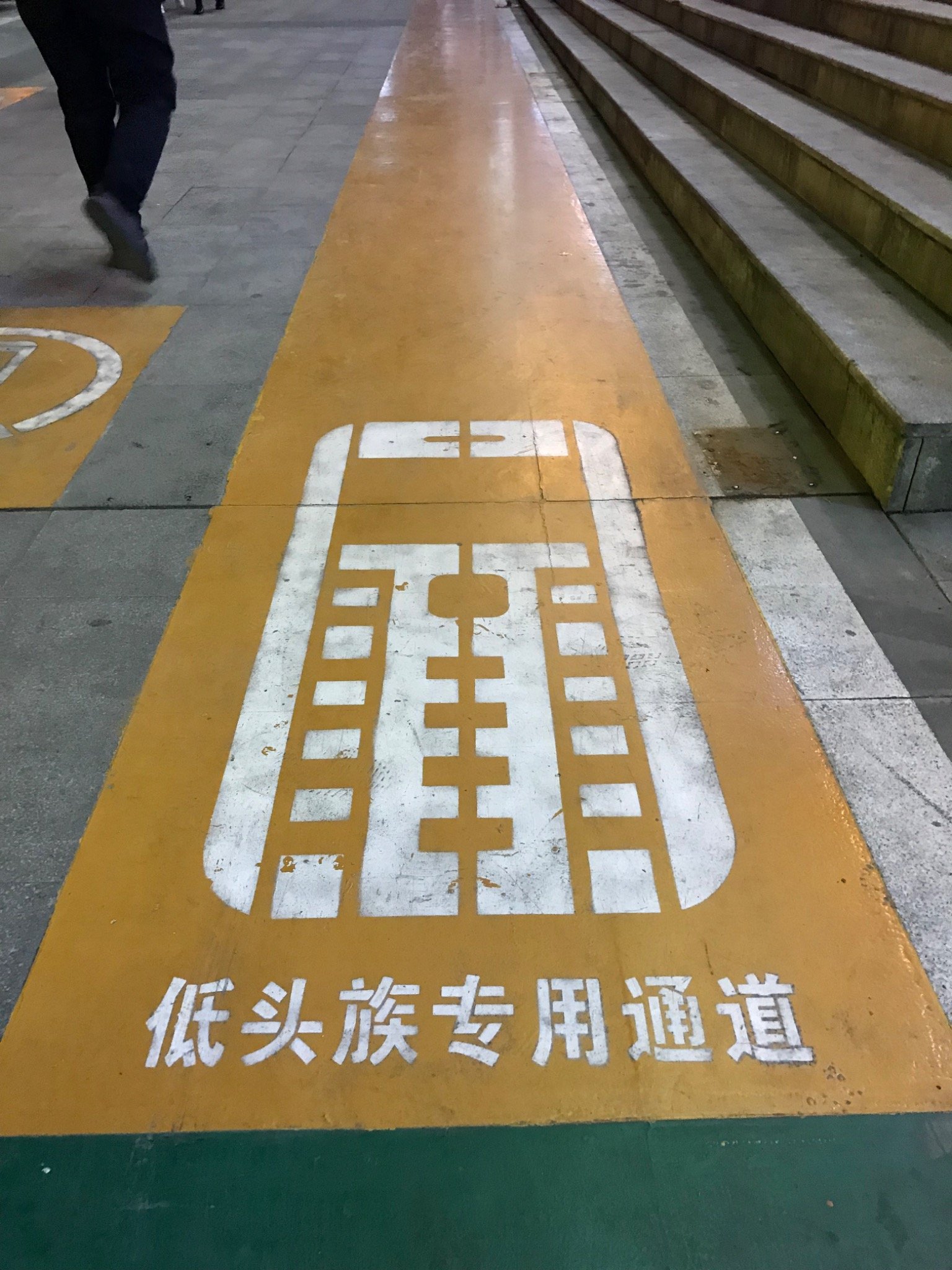

Planning a China trip from overseas creates an unusual navigation problem: the map you use while planning may not be the map you’ll want once you arrive in China (中国, Zhōngguó).
A traveler in Canada asked whether it makes sense to use Apple Maps for trip planning when Google Maps isn’t ideal for mainland China and Amap/Gaode (高德地图, Gāodé Dìtú) isn’t working well for them from overseas.
The Traveler’s Question
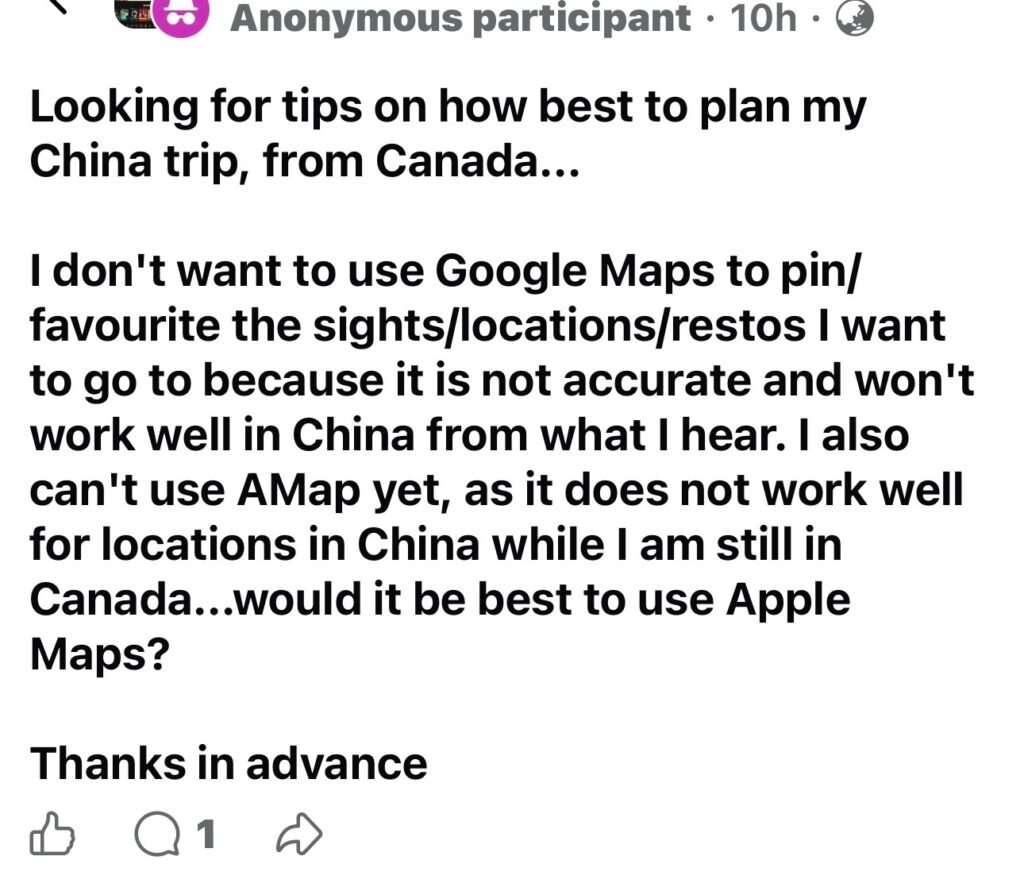
Looking for tips on how best to plan my China trip, from Canada…
I don’t want to use Google Maps to pin/favourite the sights/locations/restos I want to go to because it is not accurate and won’t work well in China from what I hear. I also can’t use AMap yet, as it does not work well for locations in China while I am still in Canada…would it be best to use Apple Maps?
Thanks in advance.
This question was adapted from a real traveler question shared in an online China travel community. Personal identifying details have been removed.

AI Travel Planner Answer
Yes — for someone planning from Canada on an iPhone, I’d use Apple Maps as the main planning map for now, then add Amap/Gaode once you’re closer to the trip or after arrival.
The important distinction is planning before China vs. navigating once you’re in China. Google Maps is not the tool I’d build a China trip around: its mainland-China information can be incomplete or outdated, and Google services themselves can be problematic once you’re there.
A practical setup would be:
- Before leaving Canada: use Apple Maps to save major sights, hotels, railway stations and restaurants you can find reliably. Also keep a simple notes list with each important place’s English and Chinese name.
- Before departure: install Amap/Gaode (高德地图) and experiment with it. It is much stronger for detailed local navigation, entrances, businesses and public transport within China, although using it from overseas—and dealing with Chinese-language listings—can be less convenient.
- Once in China: make Amap your detailed navigation tool and keep Apple Maps as the easier English-friendly alternative.
- For restaurants: don’t depend entirely on any map. Restaurants change quickly, and Chinese platforms often have much richer local information. Save the restaurant’s Chinese name and address as well as its map pin.
- For hotels: screenshot the Chinese hotel name, address and telephone number. This is surprisingly useful when taking a taxi or Didi.
So I wouldn’t spend weeks creating hundreds of carefully organized Google Maps pins and then try to reproduce everything later. Apple Maps + a separate master list of Chinese place names + Amap for on-the-ground navigationis a much safer workflow.
One reassuring point: you don’t need to have every China app working perfectly from Canada. Preparing the essentials beforehand and adapting once you arrive is quite manageable. For independent travelers, navigation is usually one of those things that feels more intimidating during planning than it does once you’re actually there.
Further Reading
15 Essential Apps Every First-Time Visitor Should Install Before Flying to China (2026)
Useful for deciding which navigation, payment, transport and translation apps to have ready before you leave Canada.
A note about this AI Travel Planner answer: This answer is shown as originally generated, without editorial rewriting. Travel information can change, especially transport schedules, border procedures, opening hours, ticketing rules and holiday arrangements. Before making bookings or travel decisions, always verify time-sensitive details with current official sources.
Related China Travel Reading
- Internet in China Made Easy — explains the other half of the problem: getting your phone connected once you arrive in China.
- Prepare the Essentials — useful for putting maps and apps into the wider pre-departure checklist.

Have a question about maps, apps or planning your own China trip? Try the ChinaTravelBUG AI Travel Planner for free and get practical help for your own journey.